 ARCHAI®Electronics Inc./ PRODUCTOS / AETHERSOL™ / ARC-2026← TODOS LOS SISTEMAS DE PRODUCTOSHABLEMOS DE UN PROYECTO ↗
← AetherSol™ / TODAS LAS FAMILIAS  AetherSol™ARC-2026
DC optimisers, gateway and SolarSync
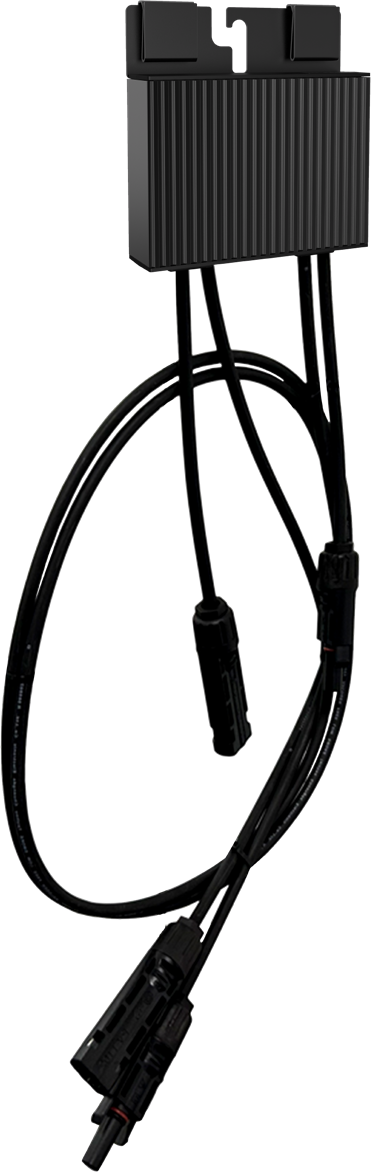
ARC-800 module-level DC optimisation with ARC-GT and the compatible SolarSync monitoring workflow.
ARC-2026 / CONFIGURACIONES
Variantes de esta familia.
ARC-GTARC
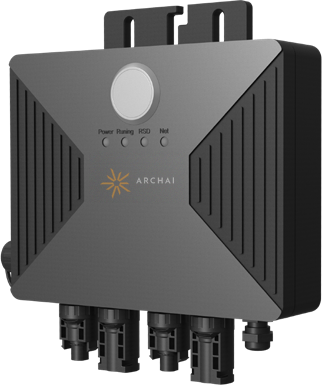
ARC-GT · PV data gateway
90–264 V AC supply · PLC / Wi-Fi / RS-485 · IP67
2 VARIANTES MOSTRADAS
Contacte con Archai para conocer las configuraciones actuales y la documentación específica del producto.
Elija la arquitectura de conversión y control.
2026 product catalogue · 19 models. Select the catalogue edition and supplied hardware revision when requesting technical information.
- Module-level AC conversion
- ASM and ASPM micro-inverters convert PV module DC to grid-connected AC. Their specified monitoring path uses 2.4 GHz Wi-Fi. The number of PV inputs and the number of independent MPPT channels are separate characteristics.
- DC optimisation with a string inverter
- ARC-800 optimisers retain the DC string architecture. ARC-GT gathers compatible optimiser data by PLC and connects to the host over Wi-Fi or RS-485. SolarSync content here applies to this optimiser/gateway ecosystem.
- Module-level rapid shutdown
- ASR-15S and ASR-15D provide shutdown and monitoring in the compatible HPLC system. They are not micro-inverters or per-module MPPT optimisers. System matching and applicable installation instructions remain essential.
SolarSync · supervisión del sistema de optimizadores
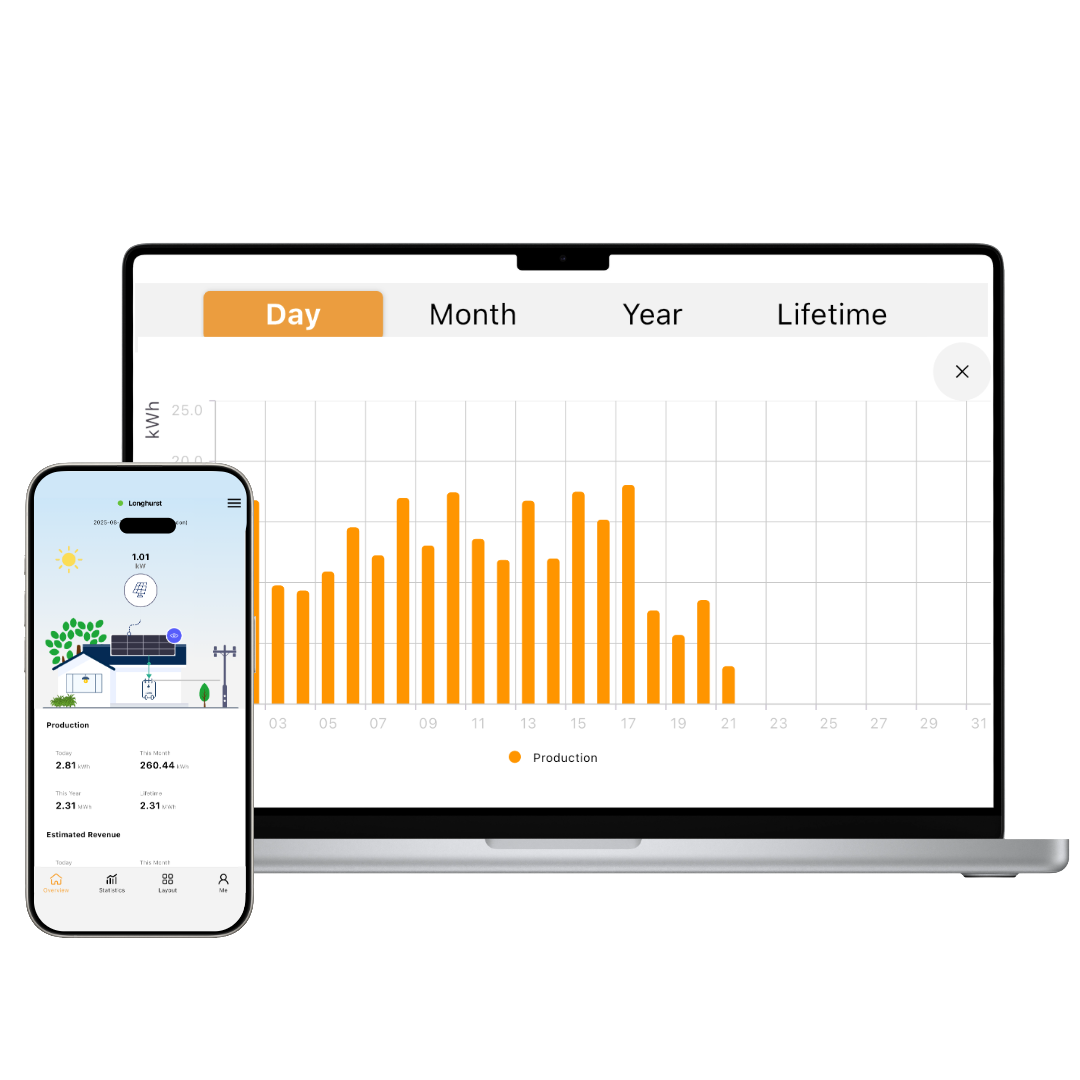
SolarSync provides a layout-oriented view of compatible optimisers and their operating information. The official Archai iOPT / GT operating source describes the layout, discovery and status workflows below. Confirm the supplied hardware and software revision before commissioning.
Prepare the layout
- Record each optimiser serial number against its physical module position.
- In Layout, select Add and enter the identifier and row/column information. Save the layout.
- Arrange the module positions and save changes; use the recorded serial-number map to check correspondence.
Read system information
- Use the layout to inspect the operating information shown for the selected optimiser.
- The source describes green for normal operation, grey for offline and red for a fault. Confirm the legend for the installed software revision.
- For an offline entry, check its recorded serial number and follow the applicable discovery procedure. Refer unresolved faults to technical support.
This workflow is specific to the compatible optimiser/gateway system. The separate monitoring-system guide referenced by the supplied ASM/ASPM manuals is required for those products; SolarSync compatibility must not be assumed.
Documentación técnica y selección del sistema
Request the English document for the selected model and catalogue edition. Installation and operating instructions must match the supplied hardware, connectors and destination-market requirements. User manuals are supplied through the website application process.